Lg OCS 2007 IP8540 Manuale Utente Pagina 32
- Pagina / 57
- Indice
- RISOLUZIONE PROBLEMI
- SEGNALIBRI

- IP8540 1
- User Guide 1
- Revision History 4
- Table of contents 6
- 1.1 Overview 8
- 1.2 Device Layout 9
- IP8540 User Guide 10
- 2.1 What’s in the box 11
- 2.2 AC/DC power adaptor 12
- 2.4 Set-up 12
- 2.5 Wall Mounting 13
- 2.8.2 Sign In with IP8540 16
- 2.8.5 Set Time Zone 20
- 3. Using your IP8540 21
- 3.3 Contact List 24
- 3.4 Message Waiting 27
- 3.5 Call Logs 28
- 3.6 Settings 29
- 3.6.1 Locking your phone 30
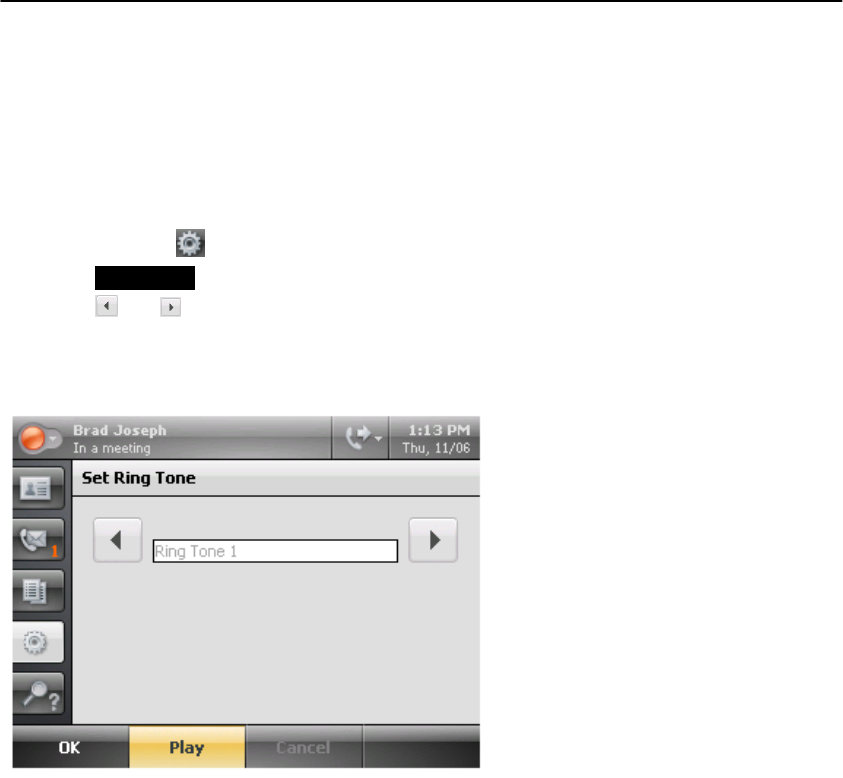
- 3.6.3 Ring tones 32
- 3.6.4 Changing your PIN 33
- 3.6.5 Changing fingerprint 34
- 3.6.6 Update your password 35
- 3.6.10 Switching Users 39
- 3.6.12 To set logging 41
- 3.6.14 Changing the language 43
- 3.7.1 Why Use the USB Cable 44
- 4. Making Calls with IP8540 45
- 4.2 The Call Basics 46
- 4.2.4 Receive a call 47
- 4.2.5 Hold a call 47
- 4.2.6 Resume a held call 47
- 4.2.7 Transfer 47
- 4.2.8 Conference 49
- 4.3 Forwarding Calls 50
- 5. Troubleshooting Problems 53
- 5.2 Placing Calls 54
- 5.3 Conference Call 55
- 5.4 Unexpected Behavior 55
- LG-Nortel Co.Ltd 57
- Seoul, 135-985 57
Prodotti e manuali riguardandi Telefoni Lg OCS 2007 IP8540
 (30 pagine)
(155 pagine)
(13 pagine)
(98 pagine)
(40 pagine)
(30 pagine)
(155 pagine)
(13 pagine)
(98 pagine)
(40 pagine)
© 2020, manymanuals.it. Tutti i diritti riservati | 0.043 s |
 Manymanuals.com
 Manymanuals.de
 Manymanuals.fr
 Manymanuals.it
 Manymanuals.pl
 Manymanuals.cz
 Manymanuals.es
 Manymanuals-pt.com
Commenti su questo manuale